Blur, pixelate or hide anything on your screen — so you can share, stream, screenshot or photograph your Mac without leaking a thing.
🍎 Coming to the Mac App StoreDrag the handle across each screen: labels and the interface stay perfectly readable, while passwords, IBANs and card numbers simply vanish.
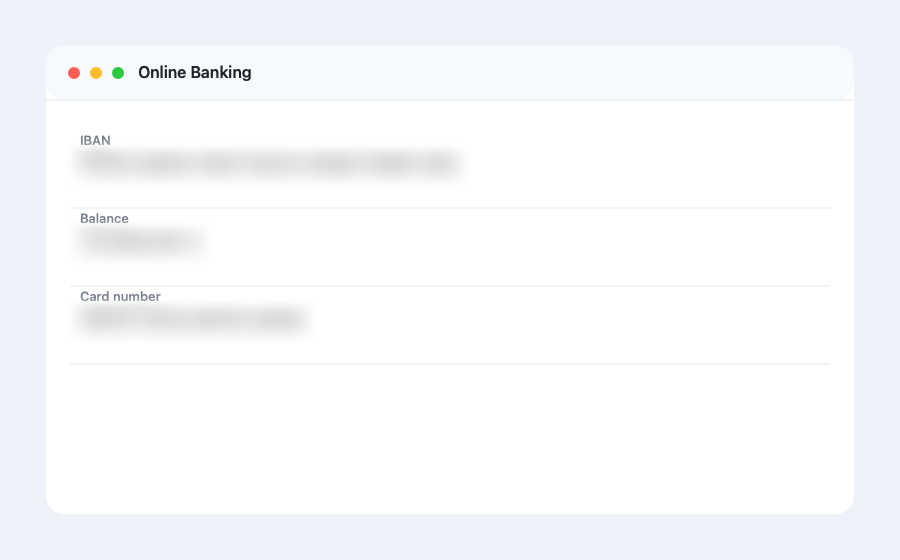
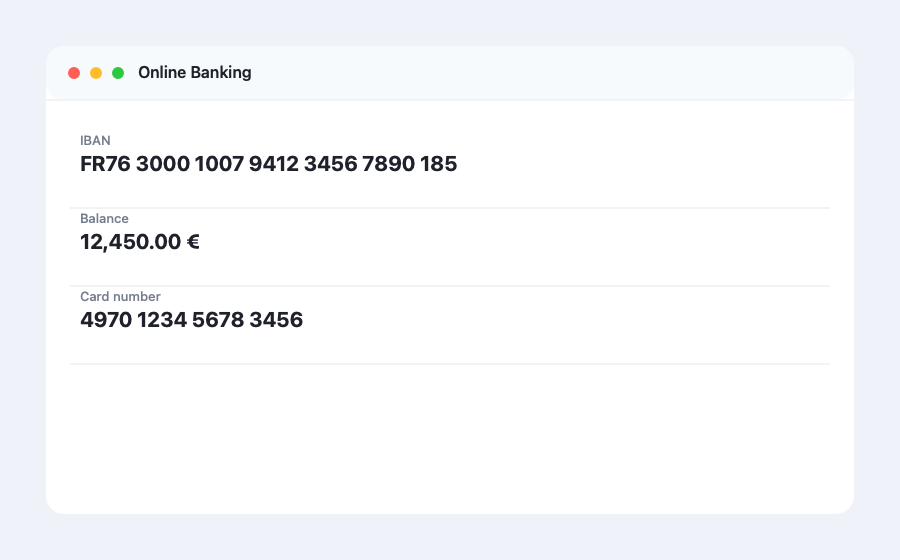
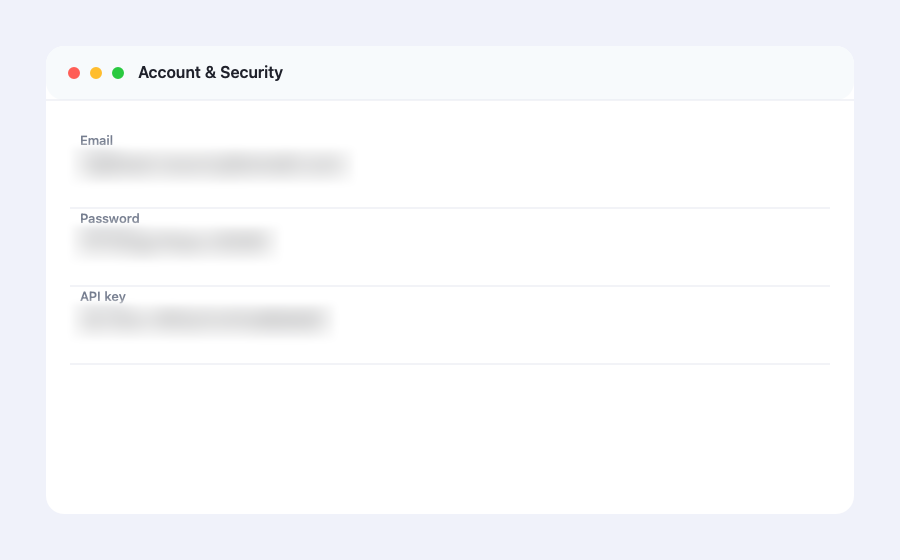
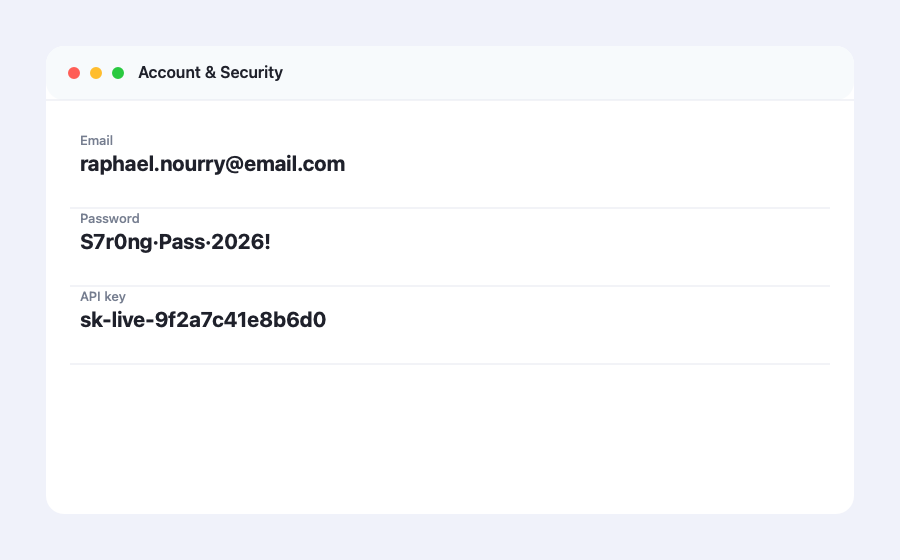
⇄ Drag the handle left and right on each screen
Draw a zone over anything sensitive — a password, an IBAN, a private message — and it becomes unreadable while the interface stays visible.
Frosted, Gaussian, Pixelated, Text‑only (blurs just the text) and a solid Cover. Adjustable from subtle to total.
Detects on‑screen text and blurs only the words — your interface stays sharp and demo‑ready.
One click in the menu bar to switch mode, dial the strength and drop a new zone. Shortcuts too.
Rectangle, ellipse, capsule or hexagon, rounded corners, border, veil — plus saved profiles for one‑tap setups.
Save a blurred screenshot, or lock the zones for a perfectly clean photo, stream or screen‑share.
Automatically matches your Mac's language — English, 中文, Español, العربية, 日本語 and more.
Unseen is a privacy tool, so its security is built‑in, not promised. Your screen never leaves your Mac.
Show your Mac to the world while keeping your data private.